KUMC Travel Training Materials
Our Concur Travel system is connected to our travel agency Collegiate Travel Planners' (CTP) Sabre system. All Concur bookings flow through CTP for confirmation and ticketing in Sabre, then updated in your Concur. CTP agent bookings are done in Sabre and uploaded into the traveler's Concur.
CTP emails the finalized itinerary and airfare receipt to the traveler from their ku@ctptravelservice.com email address.
KUMC employees can access Concur through their KUMC Single Sign On (SSO) here: concur.ku.edu and Workday here: Prod Workday.
See the categories below for subject specific Travel training guides and videos. No closed captioning is provided in the videos below, if you need access to these videos with closed captioning please email travel@ku.edu.
General Systems Overview & Concur Profile Settings
Learn about the Concur & Workday systems, travel process overview, and Concur Profile settings.
General Systems Overview & Concur Profile Settings

Concur Travel Requests & Workday Spend Authorizations
Learn how to create an International Concur Travel Request (TR), submit a TR that was created for you by a delegate, and edit or cancel a TR as needed. Additionally, access Knowledge Articles to learn how to create a Workday Spend Authorization.
Concur Travel Request (TR)
Workday Spend Authorization (SA)

Booking Travel
Learn how to book flights, hotel rooms, and rental cars through CONCUR TRAVEL. Also learn how to use Concur TripLink and TripIt Pro to book directly with travel supplier if needed and still create an electronic Reservation in Concur and stay compliant with Travel Policy. NOTE: For complex or multi-traveler bookings, please work with our CTP Agents to book your trip: 877-630-1232 or ku@ctptravelservices.com, M-F 8am-5pm CT.
How to Book Travel Guides
How to Book Travel Videos

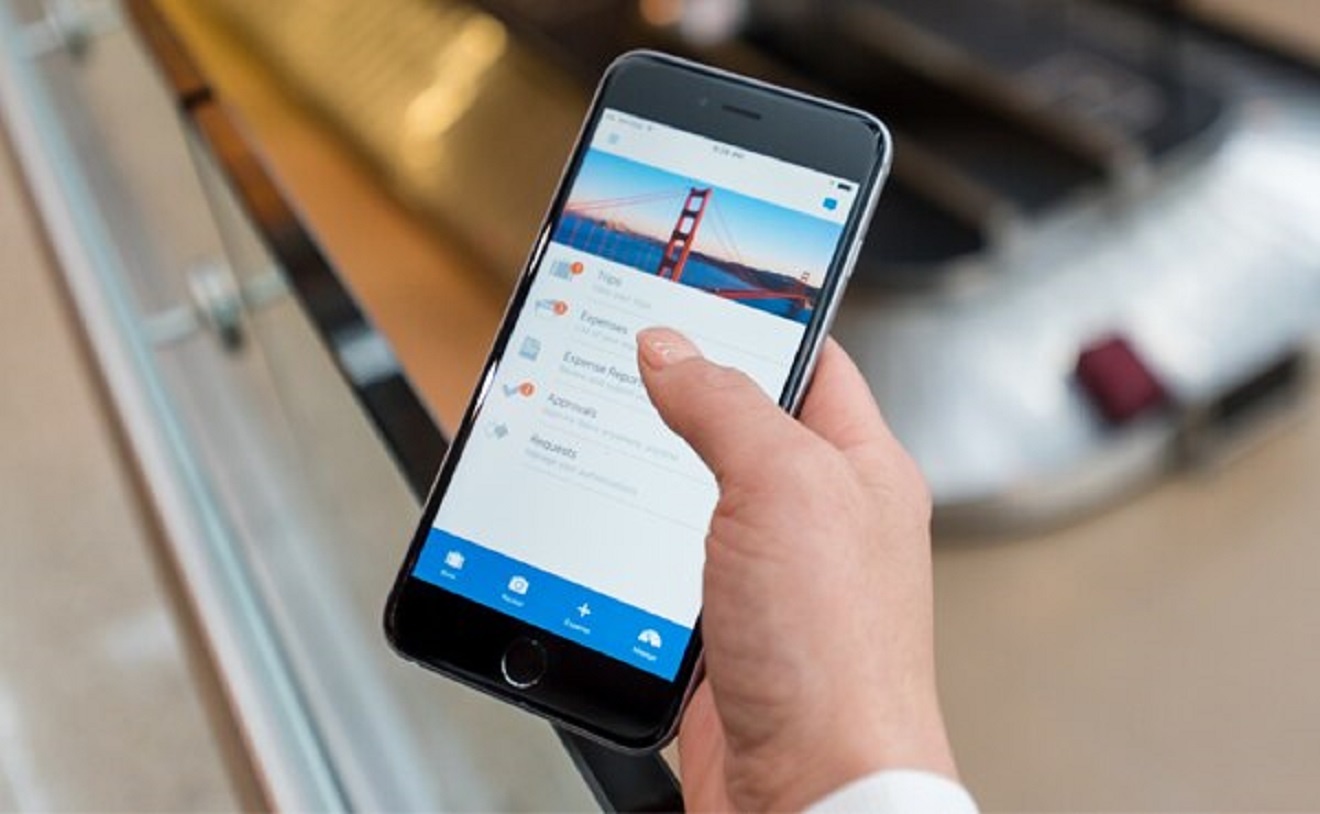
Concur & Workday Mobile App
Learn how to download and use the Concur Mobile app to book travel and see your Concur itineraries. NOTE: The Concur ExpenseIt camera feature in the mobile app will not work for KUMC employees as expenses are reconciled in Workday. If desired, you can use the Workday Mobile app to scan receipts.
Concur Mobile App Guides
Workday Travel Expense Submission
Travelers or their department delegate should submit travel BPC card verifications and/or reimbursement request information along with itemized receipts and documentation in Workday.
Workday Procurement Card Verification Tasks
Workday Travel Expense Reimbursements